How to Organize a Self-Hosted Media Library
A player-agnostic plan for structuring, naming and enriching a local movie and TV library, with links to the detailed guide for each step.
Plex, Jellyfin, Emby and Kodi all build their library from your folders. Organize the folders well and every server shows a clean library with posters and the right titles. This guide is the overview: each step links to a detailed guide.
1. A predictable folder structure
Two top-level folders, one title per folder:
Media/
  Movies/
    Movie Title (Year)/
  Shows/
    Show Title (Year)/
Season 01/Every major server understands this shape. Separate movie and show roots let you point each library type at the right folder, and one title per folder keeps artwork, subtitles and NFO files grouped with the media they belong to.
2. Names the scanner cannot misread
Scanners identify titles from names, not from the picture. Each server has its own details, such as ID hint syntax and edition tags, so follow the guide for yours:
To apply the names to a library you already have, see how to bulk rename movie and TV files.
3. Metadata files beside your media
Servers also read sidecar files that sit next to your media: NFO metadata, poster and backdrop artwork, and subtitles. Keeping these on disk gives you three things a server's database cannot:
- Portability: your metadata moves with your files, not locked in one server.
- Consistency: every player reads the same files.
- Control: you decide the match, not a scan you cannot see into.
Hand-editing NFO has real risks, because malformed XML is ignored without a warning. Read how to edit NFO files safely first.
4. A player you can swap
When your metadata lives in sidecars on disk, the player becomes a preference, not a lock-in. Each reads the same files a little differently:
- Plex reads names, ID hints, local artwork and subtitles, but not NFO.
- Jellyfin reads NFO and local images without setup.
- Emby reads NFO and local images.
- Kodi is where the NFO format comes from.
5. Fixing wrong matches
Even a well-named library has a few titles a server gets wrong. Provider IDs in the name fix most of them:
6. Keeping it tidy
Organizing is not a one-time job. New files arrive, providers change, and mistakes creep in. A healthy library has a routine: identify new arrivals, sort out duplicate copies, recheck doubtful matches, and keep a way to undo a cleanup that went wrong. Bulk changes without undo are how libraries get damaged.
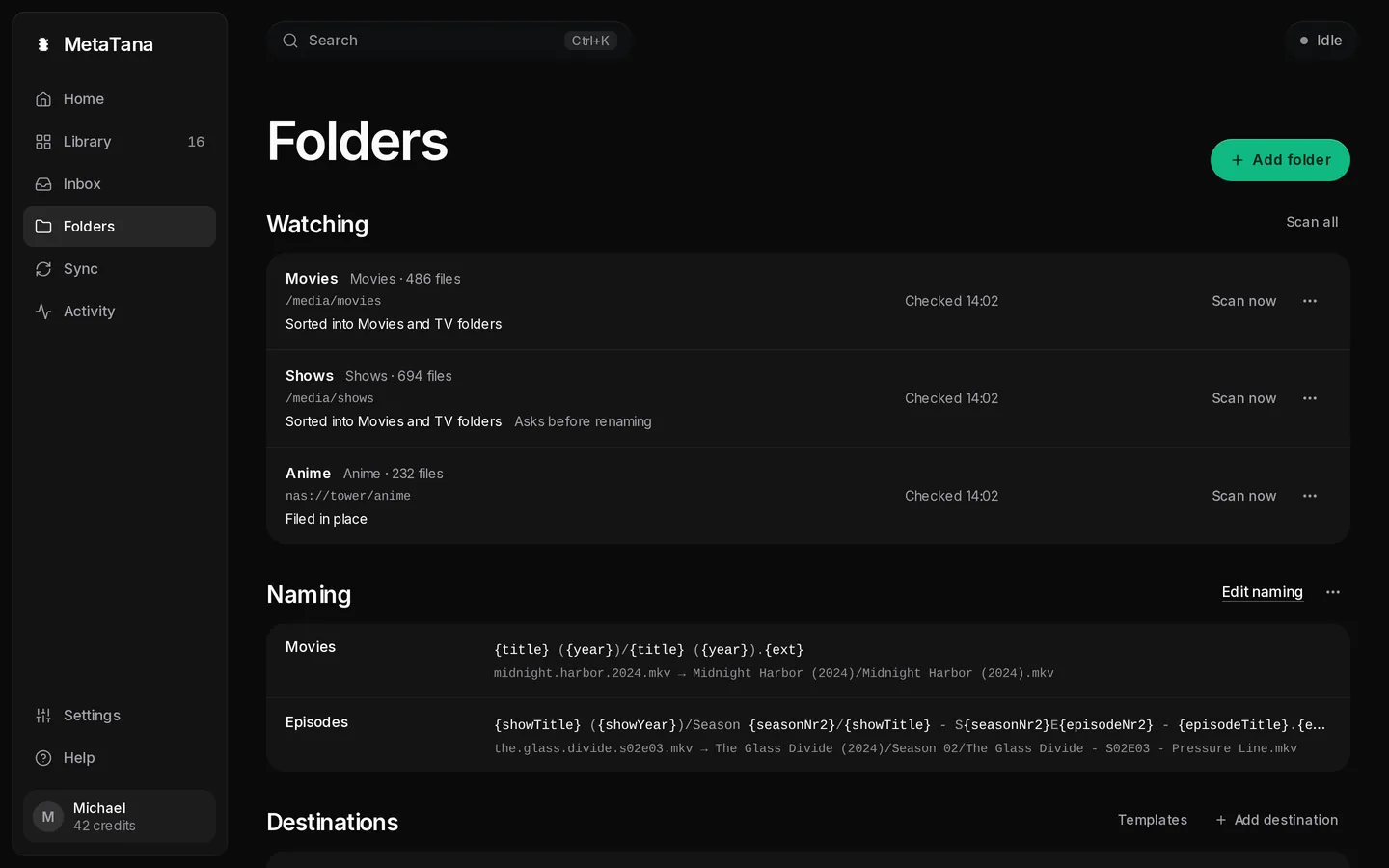
MetaTana does that routine for the folders you give it: it names and files what it is sure about, writes NFO and artwork, and keeps the rest in its Inbox for you. Coming from a desktop tool? See the tinyMediaManager and Media Companion comparisons.