How to Bulk Rename Movie and TV Files for Plex, Jellyfin, Emby, and Kodi
How to rename a whole library at once without losing artwork or subtitles, with a preview before and an undo after.
Renaming one file is easy. Renaming three thousand is where libraries break: subtitles stop matching their videos, artwork goes missing, and a server suddenly shows half your shows twice. This guide covers the renaming itself: how to change a whole library at once and be able to take it back.
For the naming rules each server expects, see the Plex and Jellyfin guides, and the anime guide for absolute numbering.
Decide the pattern first
Pick one pattern for movies and one for episodes, and write them down before touching a file. For example:
Movies: {Title} ({Year})/{Title} ({Year}).{ext}
Episodes: {Show} ({Year})/Season {SS}/{Show} ({Year}) - S{SS}E{EE} - {Episode Title}.{ext}Whatever the pattern, include the year, zero-pad season and episode numbers, and keep separators consistent. A pattern you change halfway through leaves two styles in one library.
Rule 1: preview every change
A bulk rename should show you the full before and after, file by file, before anything moves. Read the preview for:
- Titles that came out wrong. A wrong match produces a confident, wrong name.
- Episodes that collide. Two files mapped to the same episode means one of them is misnumbered.
- Folders that would merge. Two titles with the same name and no year end up in one folder.
Fix those in the preview, not after the move.
Rule 2: move sidecars with their media
Subtitles, NFO files and artwork are matched to a video by name. Rename Arrival.2016.mkv without its Arrival.2016.en.srt and the subtitles are gone as far as your server is concerned. A good renamer moves every sidecar that shares the video's name, and renames it to match.
Rule 3: make every batch undoable
A bad pass should be one undo away, not a weekend of repair. That means the renamer records each batch (every old path and new path) and can play it back in reverse, including the folders it created and the sidecars it moved.
Undo has limits worth knowing. It puts files back; it cannot take back what other apps did with the new names in the meantime, such as a server rescan or a sync to another service.
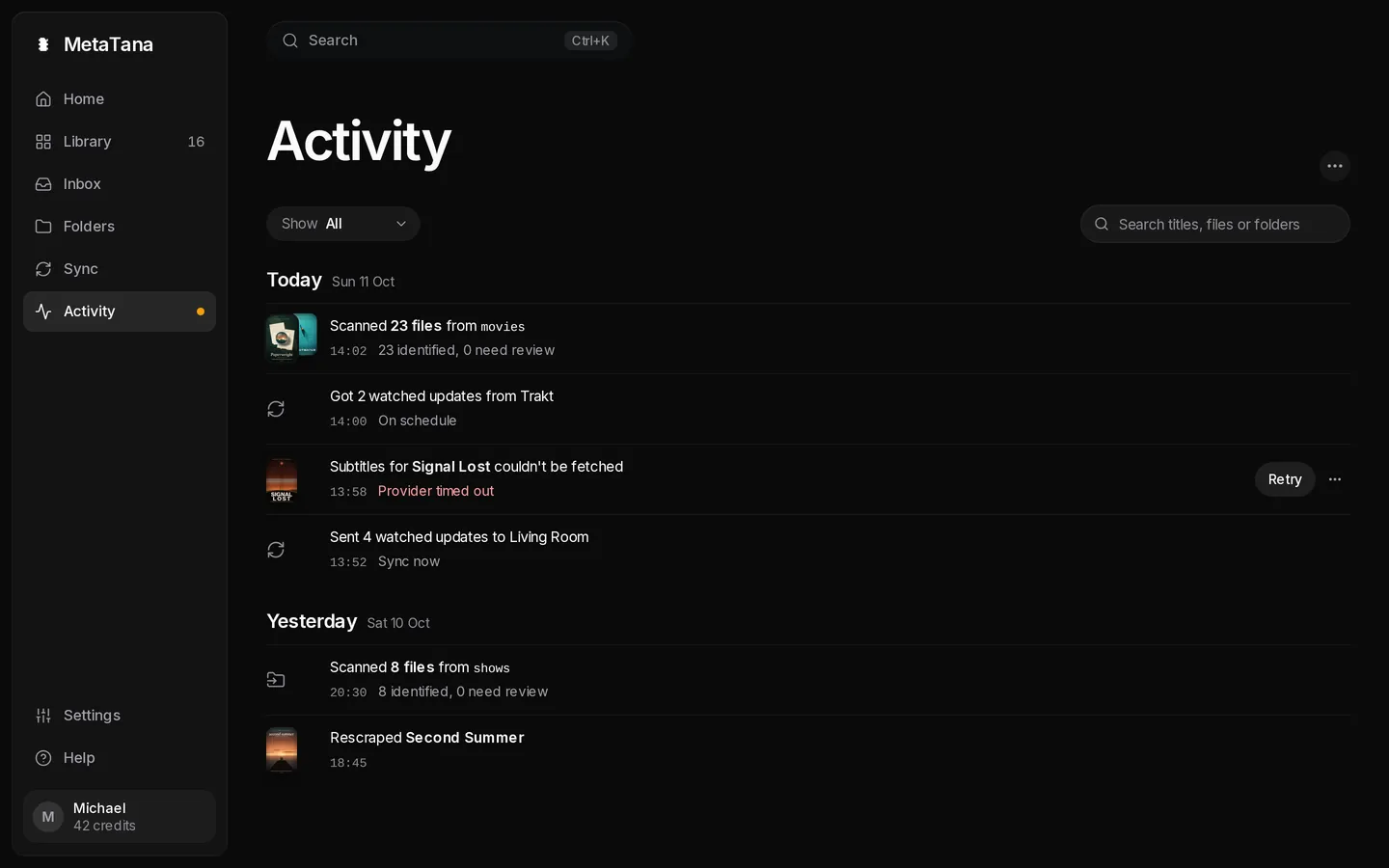
In MetaTana, renames show a preview first, sidecars move with their video, and each batch has Undo in Activity.
After you rename
Trigger a library scan on your server. With clean names in place, posters and episode data should fill in on their own. If a few titles still match wrong, that is a matching problem rather than a naming one: see fix Plex showing the wrong movie or fix wrong metadata in Jellyfin.